See How This Application Can Help You to Monitor and Track Student Activity

Our monitoring software contains a lot of useful features that will help you to track and monitor your students.
student monitoring

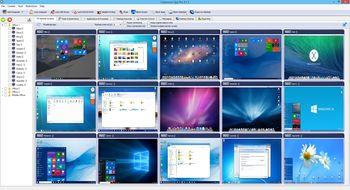
Monitor Live Computer Screens

The application allows you to see what is currently displayed on a student computer monitor. This way you can quickly discover if your students are doing the tasks they are assigned.

All student computer screens can be displayed at once since they can be displayed as thumbnails with configurable size.
You can simply zoom in to any student computer screen by double clicking the thumbnail.

Record Student Desktop Screens

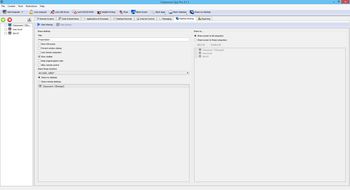
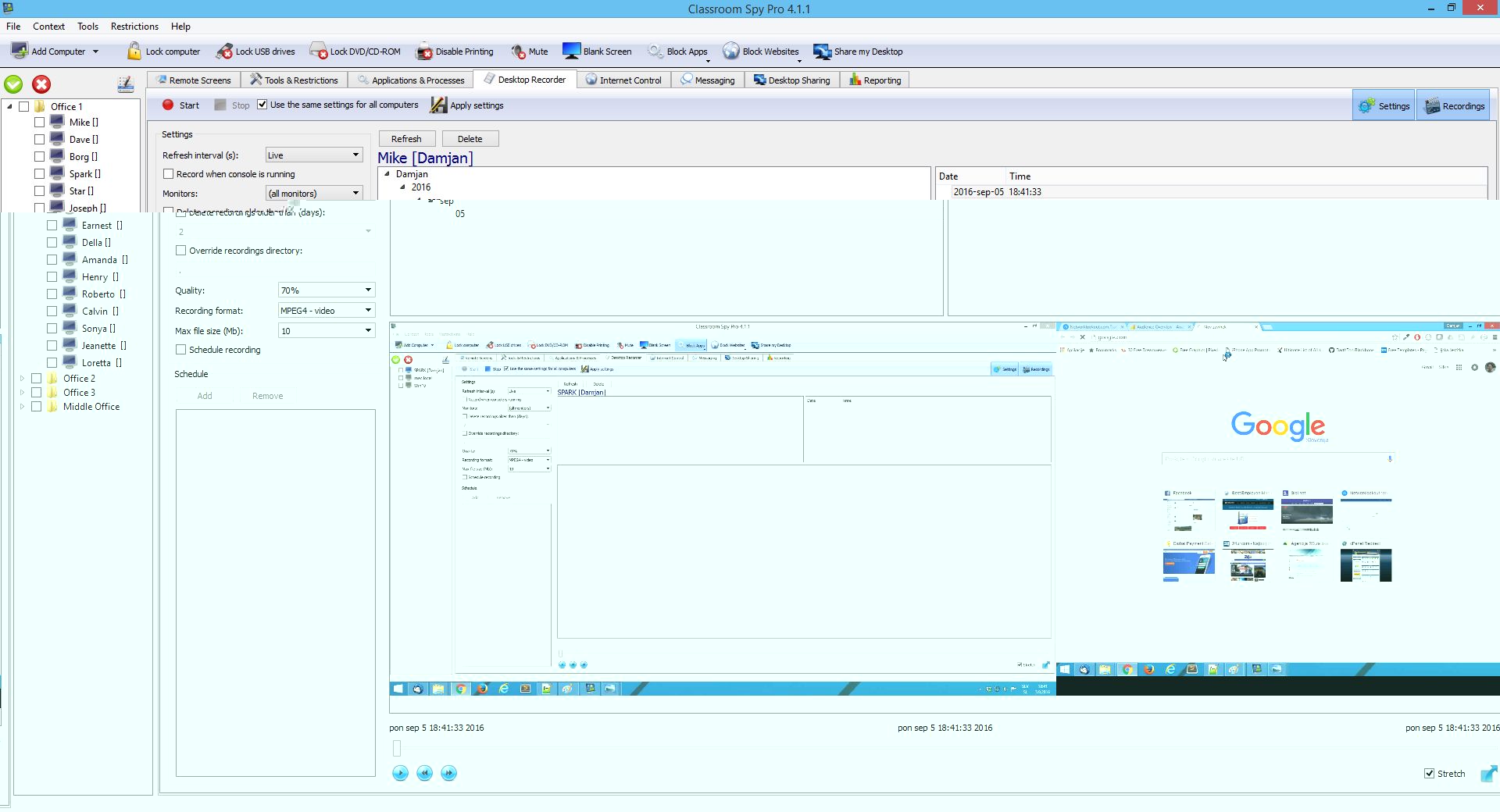
Computer Screen Recorder allows you to record student's screen either at specific intervals or in live video. Recorded screens are saved in MPEG4, MKV (video) or JPEG (screenshots) format.

The recording can be scheduled for specific days and time intervals, so it can be done automatically in the background. For this reason, you don't need to be present or have a network connection at that time.

The built-in player allows you to quickly check and play the recordings.
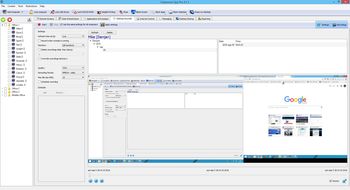
Student Desktop Recording
Activity Reports

Log Student Activity

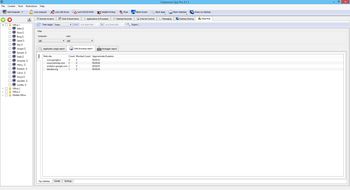
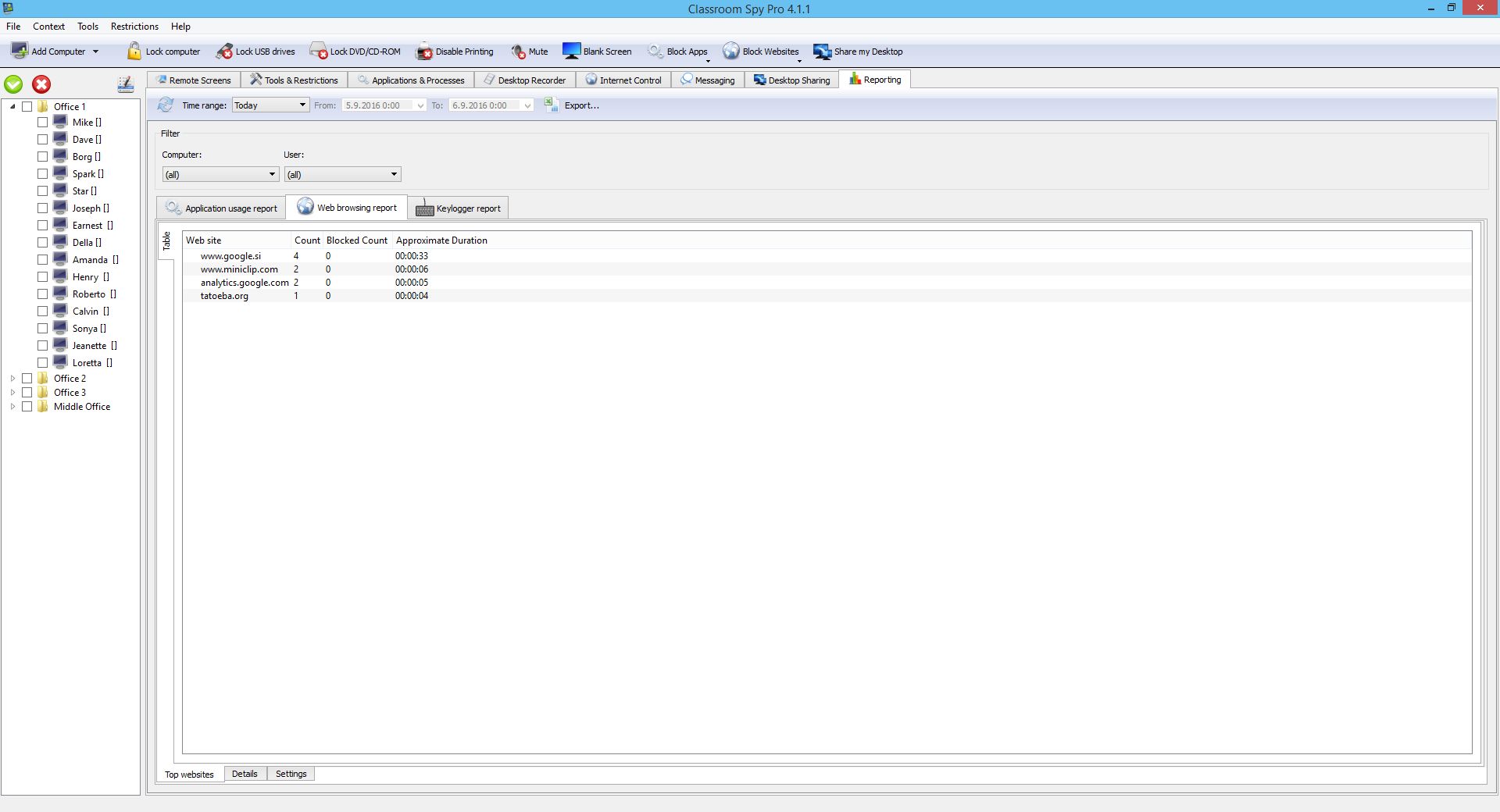
The Logging & Reporting functionality allows you to track student's active time and application or process usage, like which applications were used and for how long.

Additionally, you can gather internet browsing data to see what your students are browsing the most.

Use Advanced Admin Tools

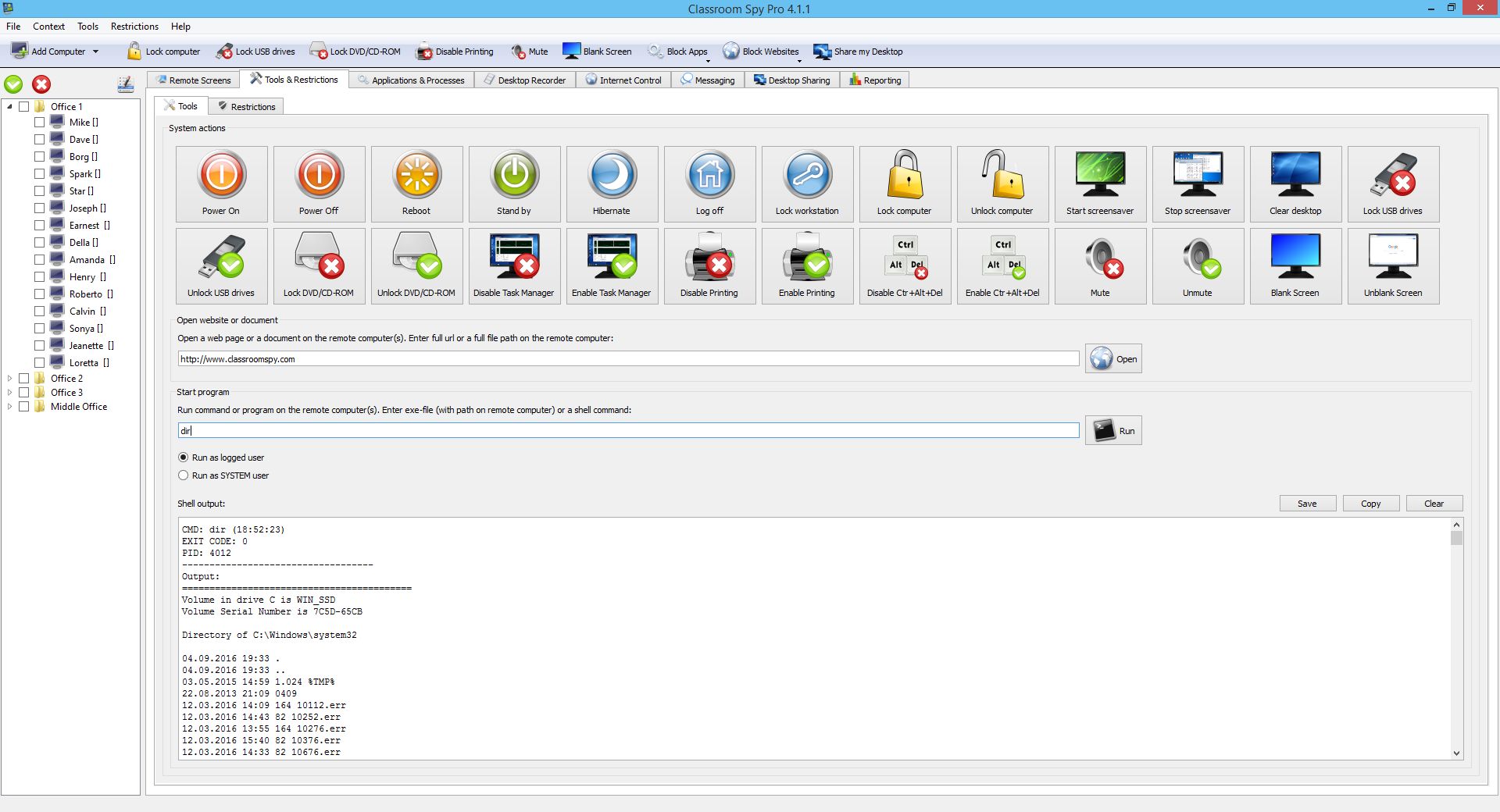
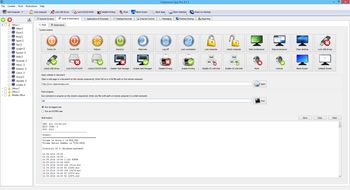
Sometimes you need to act as a computer or network administrator. Our rich set of administrator tools allows you to perform various actions on a selected set of computers.

You can e.g. power on / power off / reboot computers, lock computers, disable printing, disable Ctrl+Alt+Del...

Additionally, you can also execute shell (CMD) commands, send keystrokes to all selected computers and much more.
Student Desktop Recording
Protect students

Ready to Empower your Classroom?
Download a fully functional trial version now.

Free Trial
Internet Blocking

Block Web Browsing

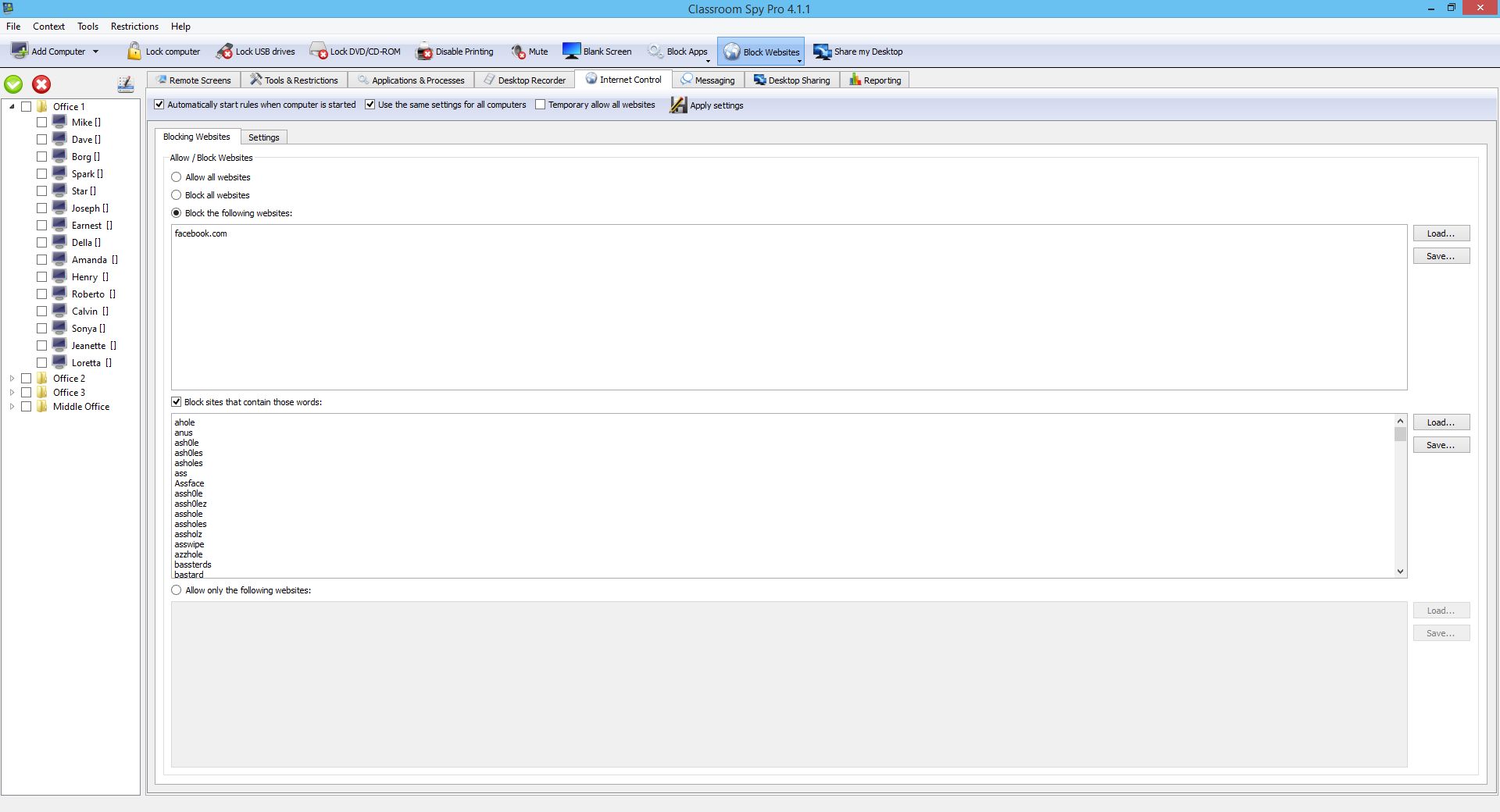
Students sometimes surf the web for other non-educational related stuff. Usually, this will not represent an issue, but sometimes you may want to limit access to some or all other web pages.

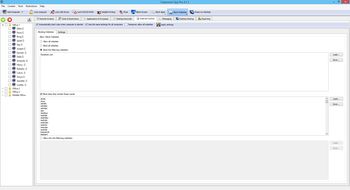
The application allows you to block websites by URL or by the words that they contain. You have also the ability to whitelist some web pages.

When a blocked website is visited you can either display a custom message, redirect to a different URL or just close the browser.

Control Applications and Processes

Maybe you are not aware, but many students install various additional applications on their computers.

Such applications can be distracting or even dangerous for your system since they can represent a condition for a security breach.

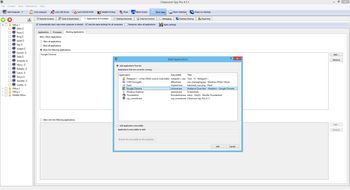
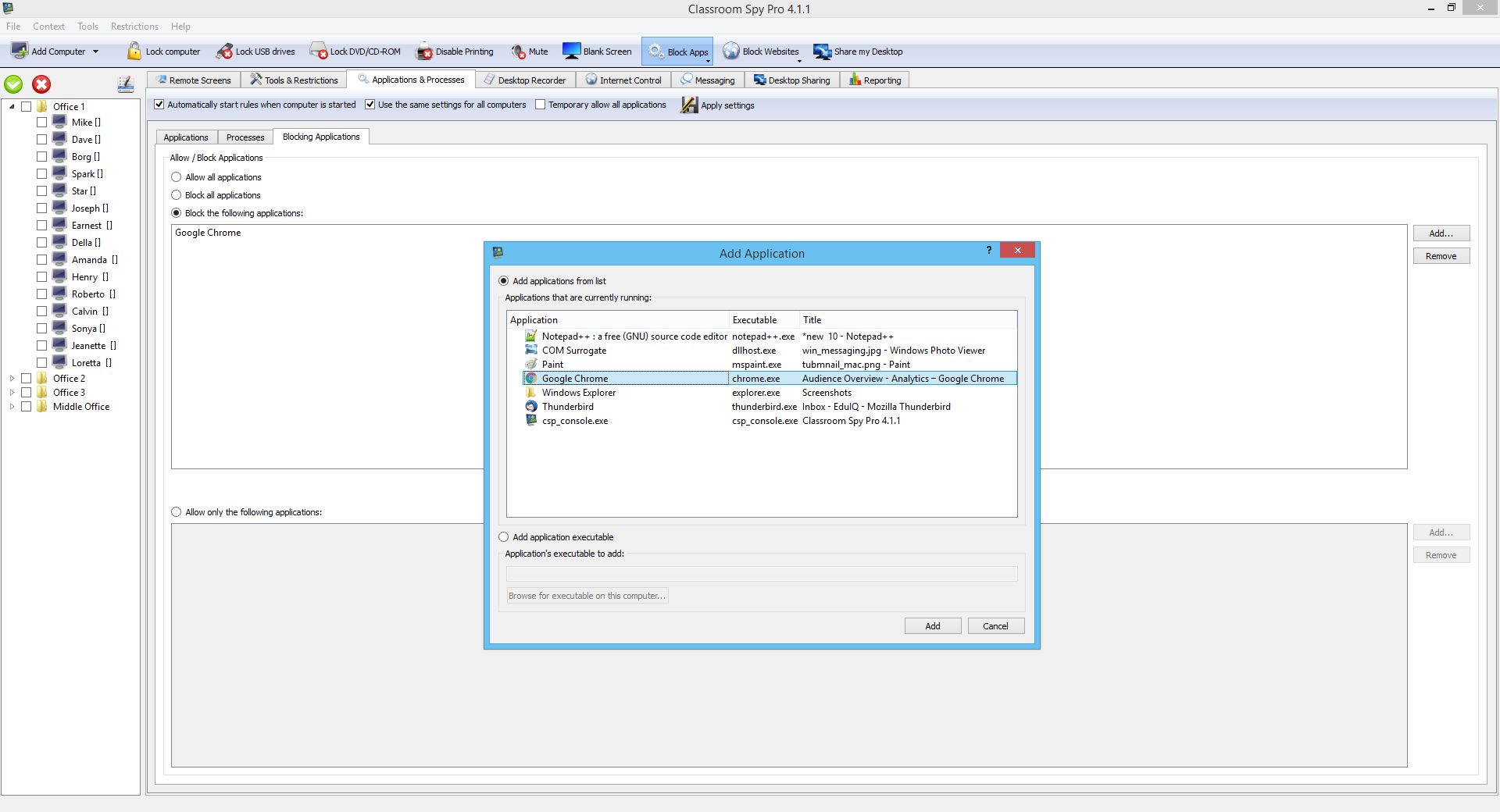
Our application allows you to spot such events and give you the ability to stop any application or process as well to block any of them. It offers a Task Manager like list of processes and applications.

Block Applications
Desktop Sharing

Share your Desktop

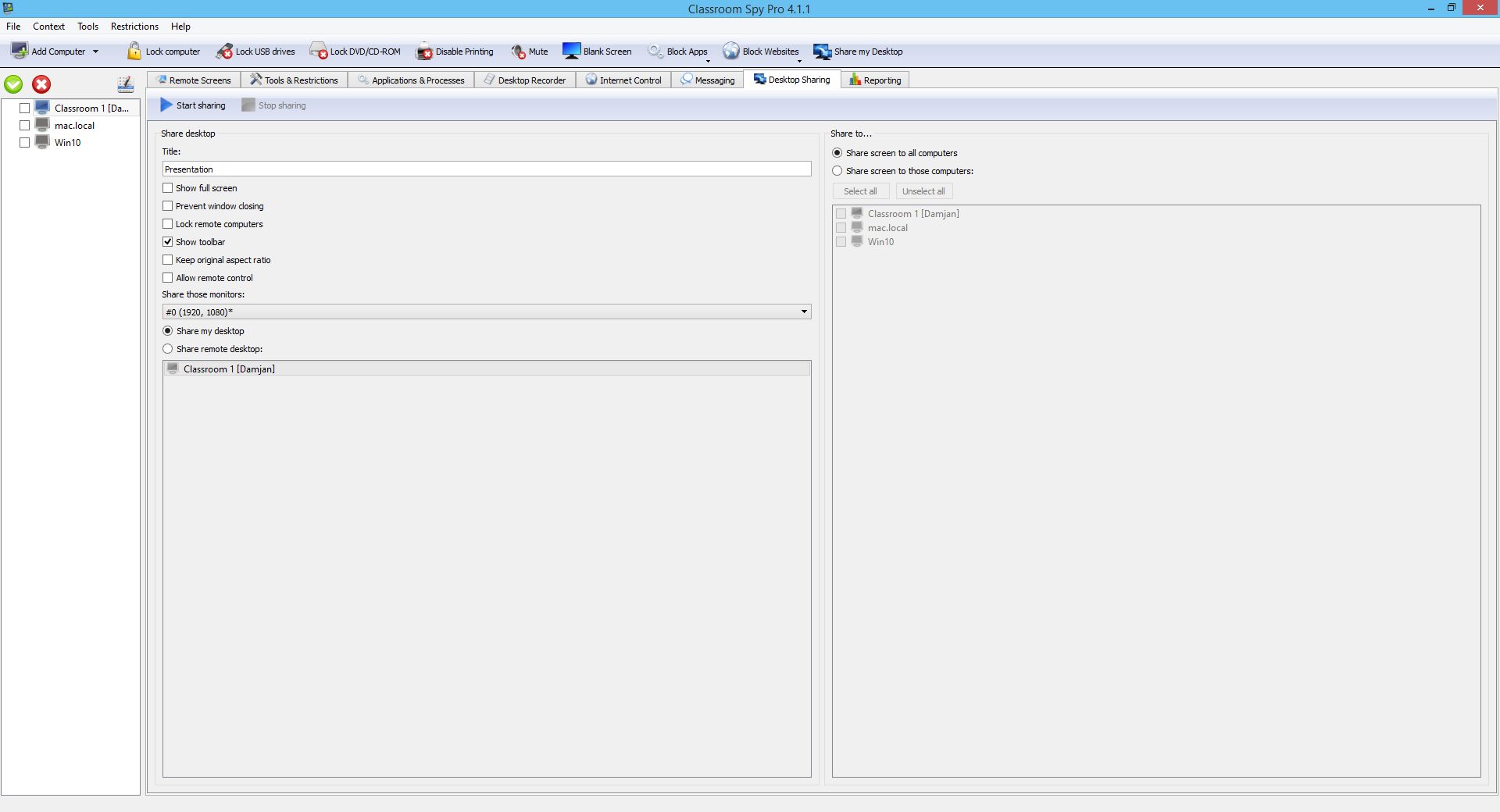
On some occasions, you may want to share your or other student screens with other students.

This can be especially useful e.g. when you are doing some presentation or you just want to guide students.

An example of such guidance is when a new application or feature is introduced in your class and you want that all or just some students are familiar with it.

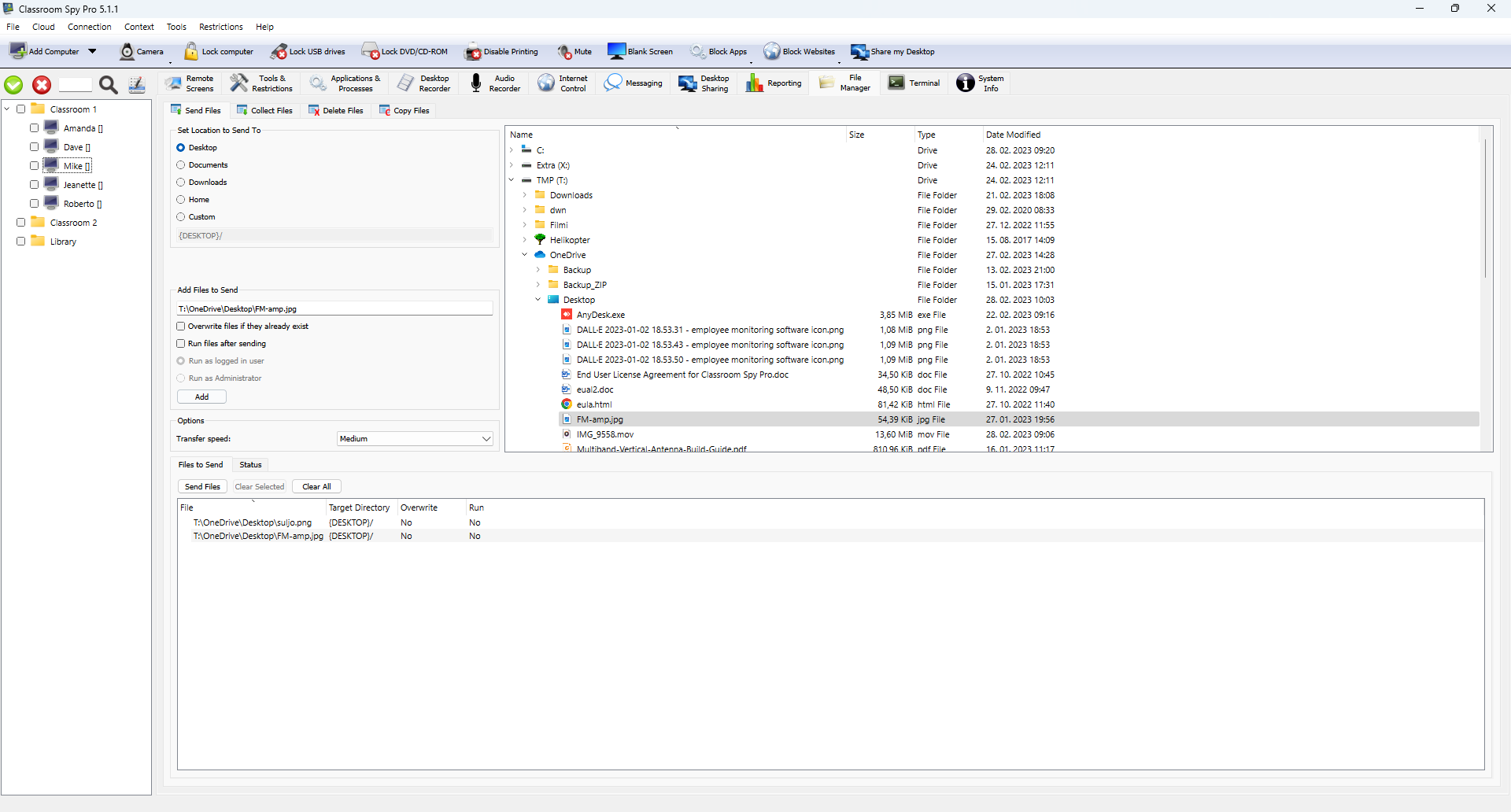
Send, Collect, Delete and Copy Files

File Manager like functionality allows you to either collect or send files to and from any student.

This can be useful in cases when you want to distribute some documents to students - e.g. a worksheet that needs to be filled.

Such a worksheet can be simply distributed to students and it will appear on the student's desktop or documents folder.

When students fill requested data, you can collect filled worksheet back with just a few mouse clicks.

File Manager
protect data loss

Protecting Classrooms of all sizes in more than 160 Countries

Access Control

Restrict Access to Student Computers

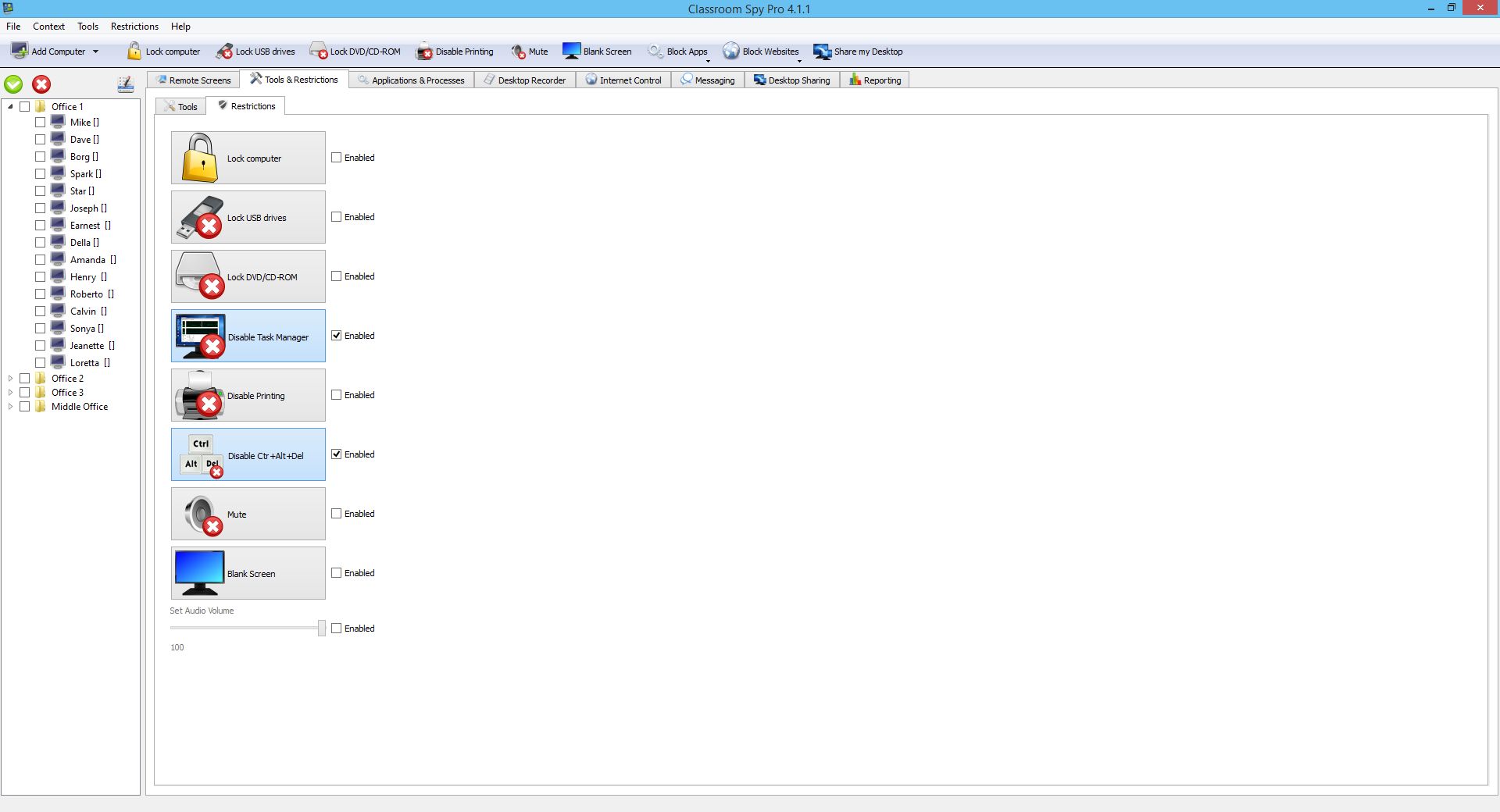
In many cases, you will want to permanently or temporarily restrict some computer functionality to prevent students from using a computer in a way that is not allowed by your school.

For this reason, we added several options to the application that allows you to permanently restrict some computer options like printing, using USB drives, using Task Manager...

Send Message to Students

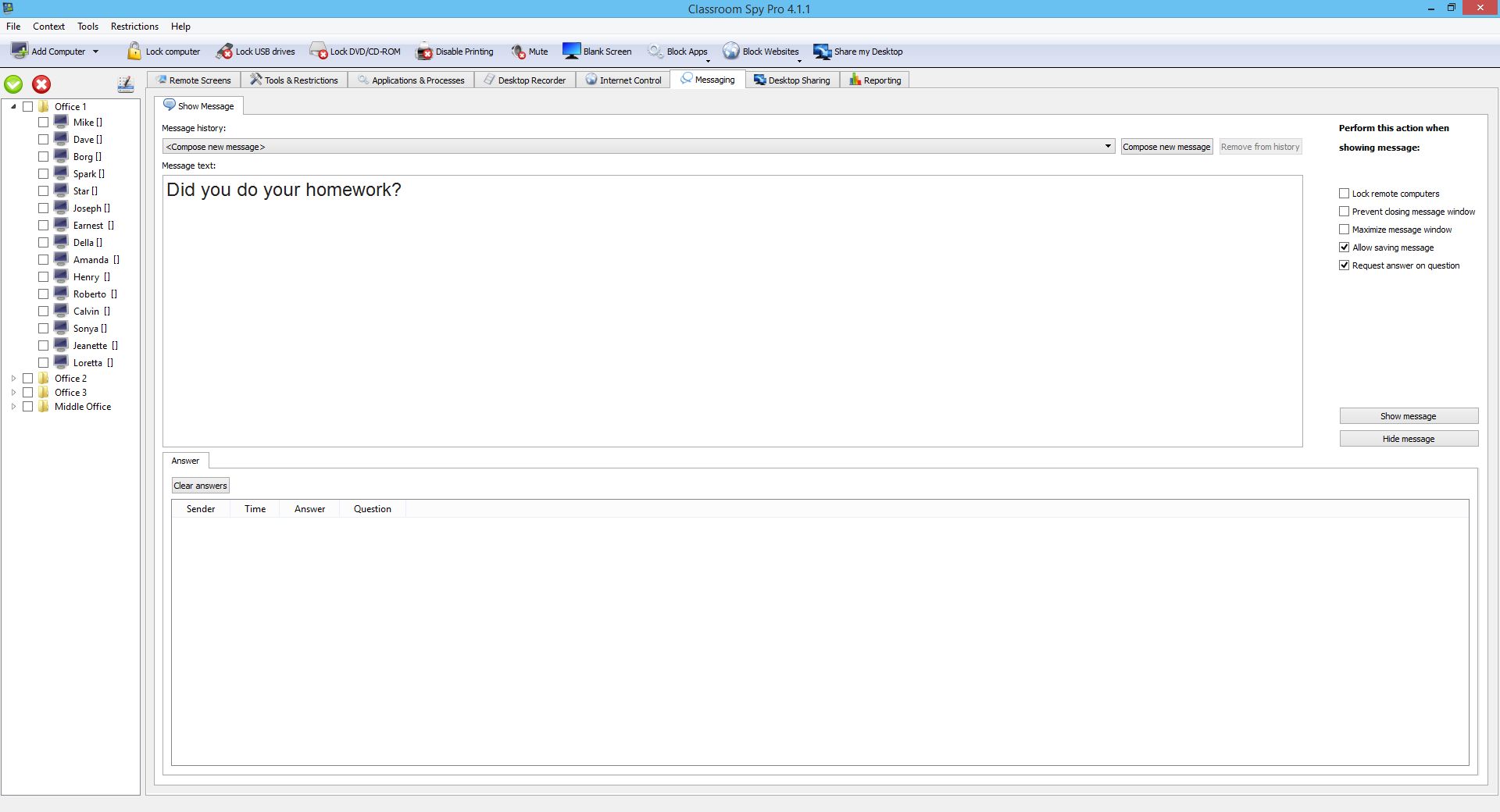
If you want instantly notify students about something then you can do this with a one mouse click.

The application allows you to display a message on selected student computers.

During this time computers can be temporarily locked, which can be especially useful if you are doing a presentation and you want to bring your attention.

Messaging
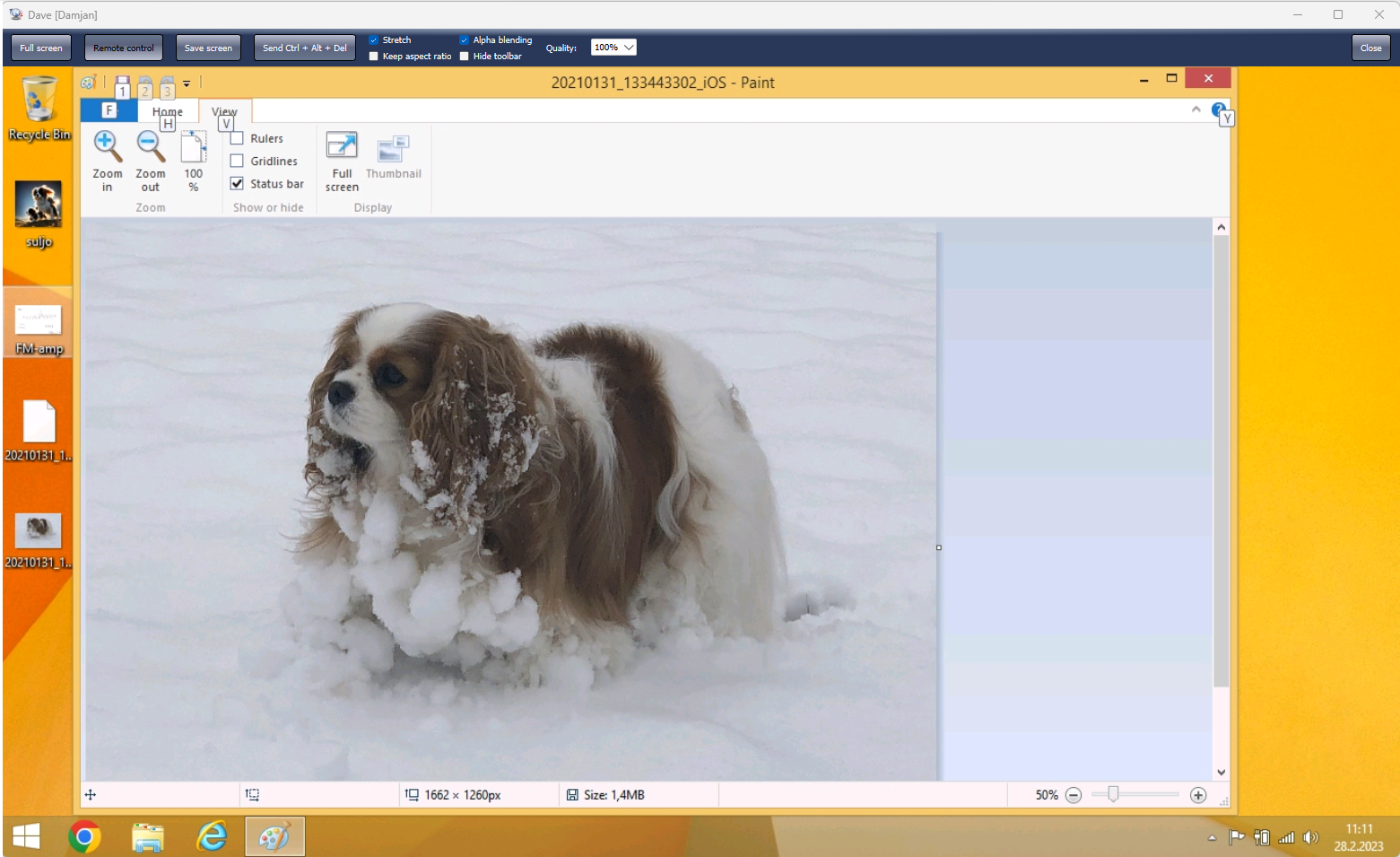
Remote Control

Remotely Control Student Computers

In many cases, you will need to take control of your student computer by working on the computer remotely from your desk.

This can happen when you are doing some administrative tasks and you don't want to physically visit each computer or when you just want to help a specific student to do his job more efficiently.

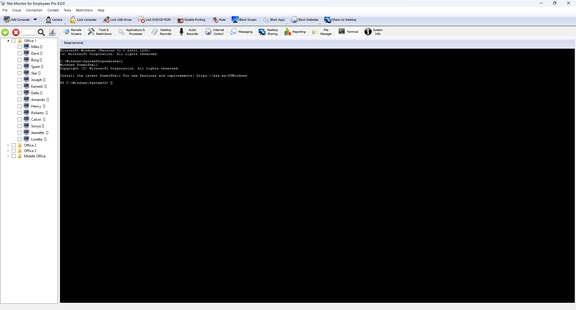
Execute Interactive Terminal Commands

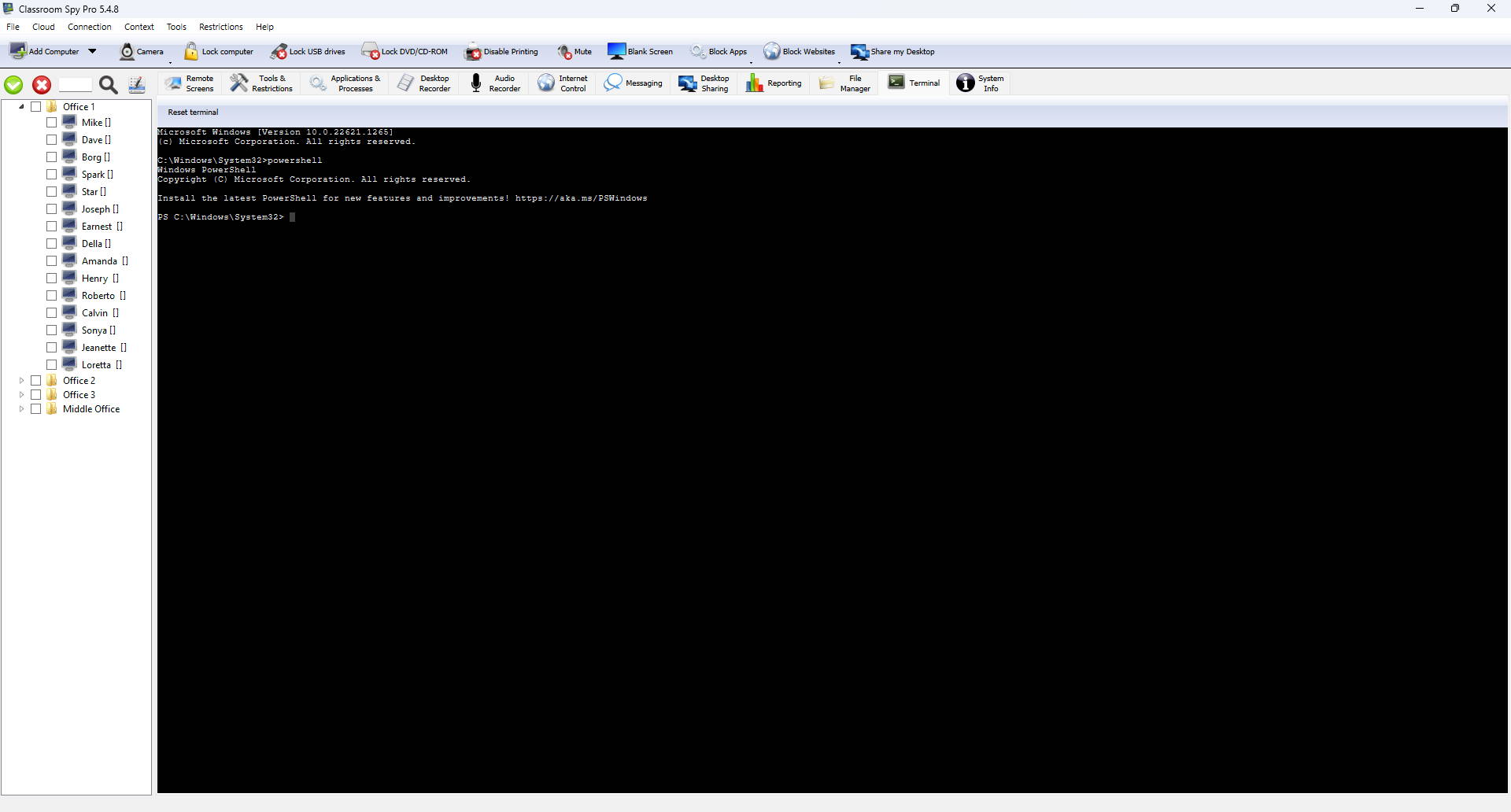
With Terminal, you can execute interactive shell commands on a remote computer.

Depending on the operating system you can use a system shell like CMD, PowerShell, SH, Bash...

You can easily switch between terminal windows on different computers.

Terminal
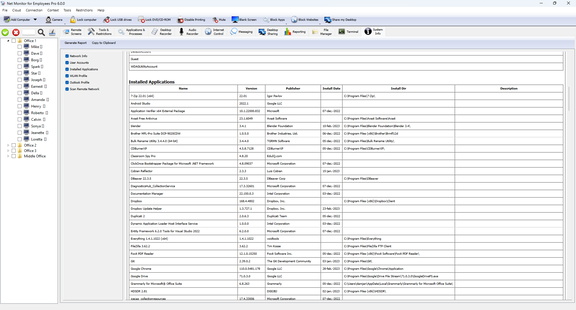
System Information

System Information

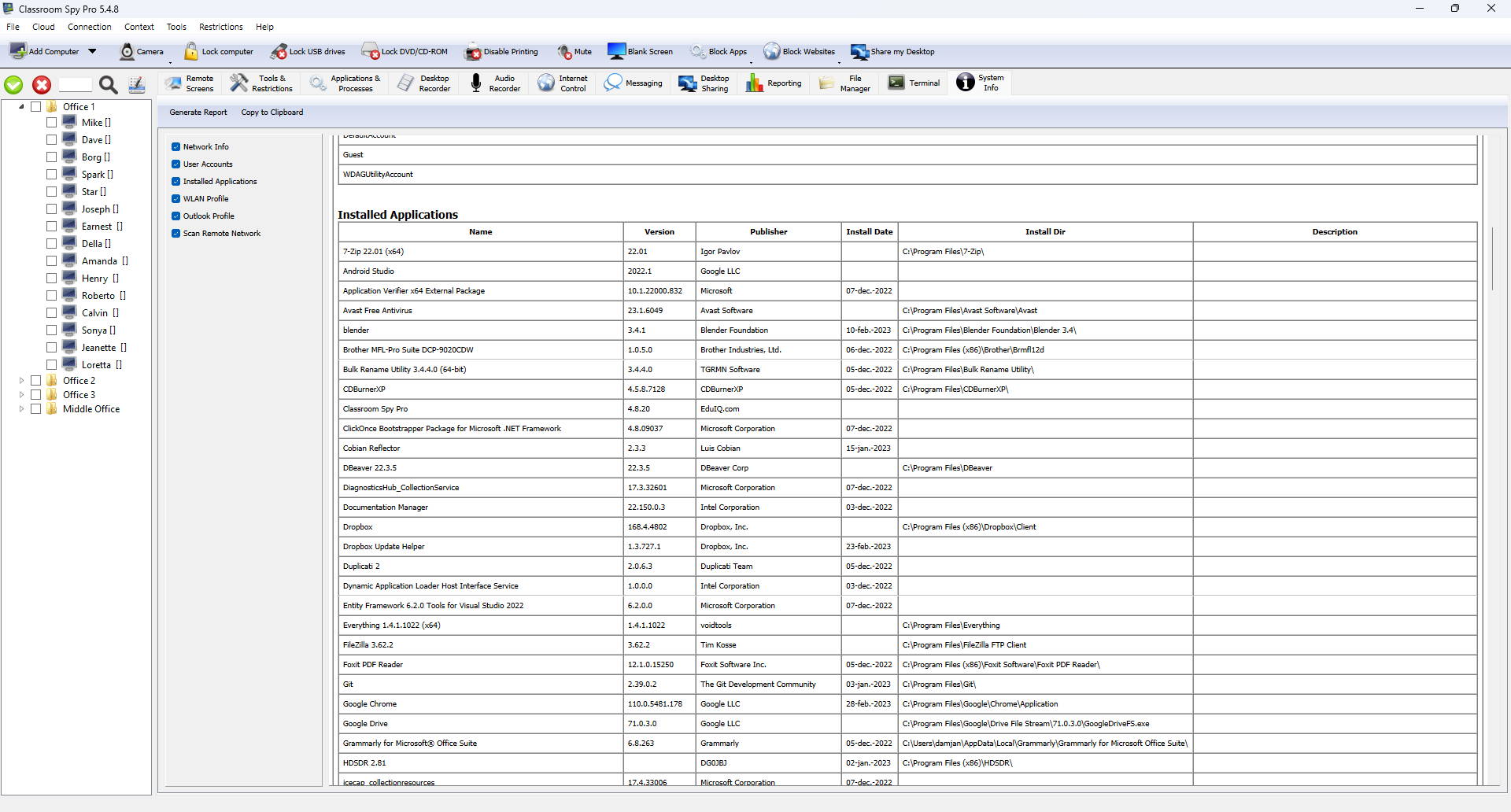
Here you can generate System Information reports about remote computers:

  • Network information
  • User Accounts
  • Installed Applications
  • WLAN Profiles
  • Outlook Profiles

Supported Platforms

Desktop Platforms

  • Windows 7 (32/64) bit
  • Windows 8 / 8.1 (32/64) bit
  • Windows 10 (32/64) bit
  • Windows 11
  • macOS 10.11 and up
  • Linux (X11 only) Ubuntu, Fedora, Zorin, OpenSUSE,...
  • Chrome OS (Chromebook)

Mobile Platforms

  • iOS (iPhone / iPad)
  • Android
(Console only, monitoring of mobile devices is not supported)

Try Classroom Spy Pro Today

Download our free trial or buy a license to get started.